
This video demonstrates the steps to requesting a user account.
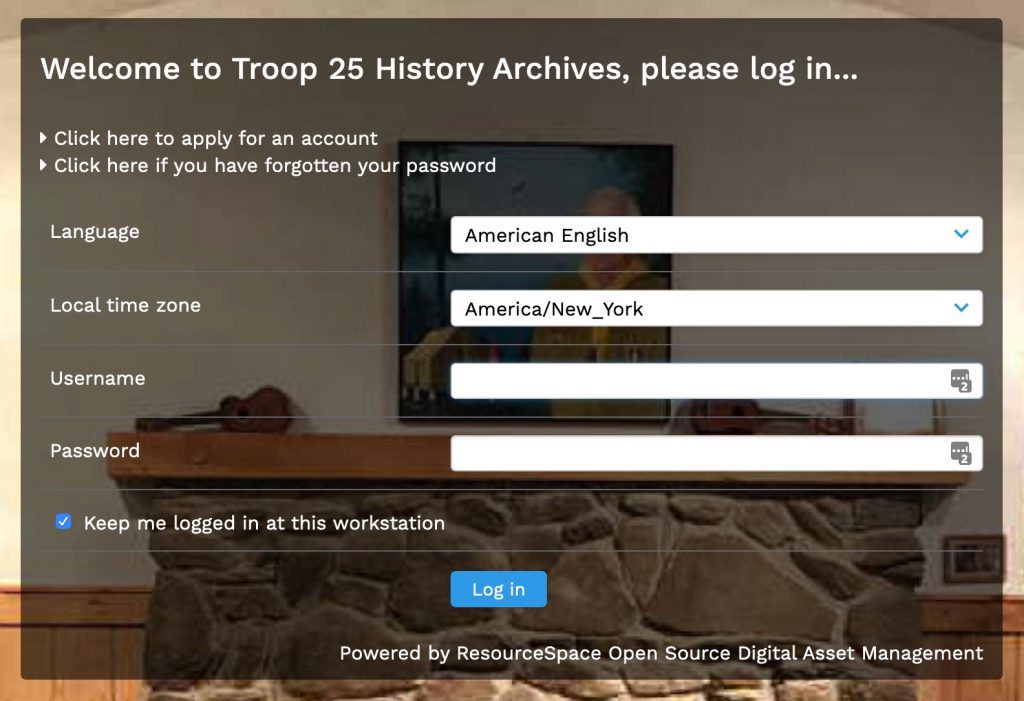
The images below are from the video. Note the line that says “Click here to apply for an account”.
Click that line and you will be taken to this screen. Also in the screen shot you can see there is a process to reset a forgotten password.
Fill in the required fields. Those are:
- Full name
- Email address
- Consent checkbox
- Anti-spam test
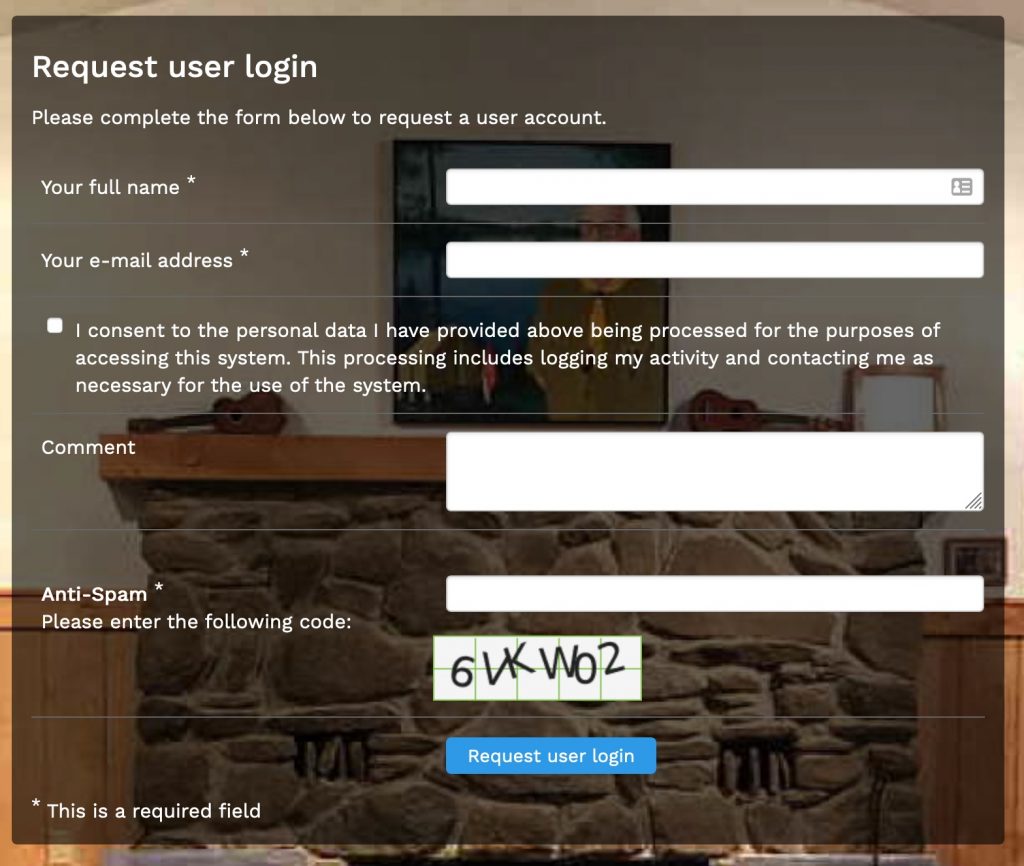
Please use your correct full name so that we can verify you against our records. No need to add a comment.
Your account will be setup by the admin. It is not automatic. If you do not hear something in 24 hours or a reasonable amount of time please follow up with an email on the troop contact form on the menu at the top.